

Getting Found Online
Your Google Business Profile Has Vanished. Here's Why, and the Fix.
Suspensions and 'needs verification' notices are common, mostly innocent, and usually fixable. Here is what Google asks for, what to do in the first hour, and how to stop it happening again.
8 min readBy Mavlo
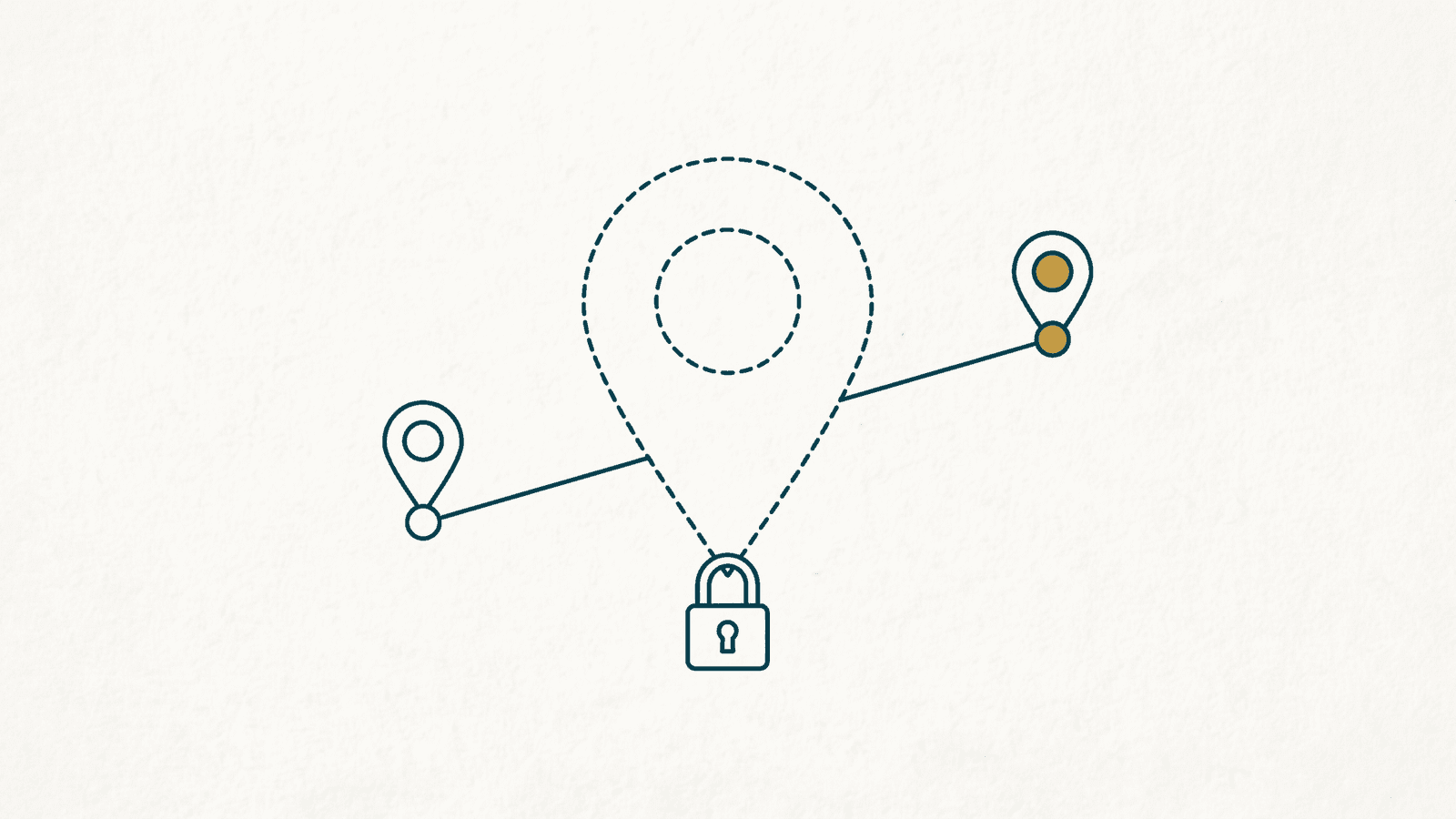
It usually starts with a customer. 'I tried to find you on Google and you're not there.' You check, and either the profile is gone from the map, or it's still showing but you've been logged out of managing it, with a red banner about a suspension or a request to verify again. Nothing has changed at the shop. The phone still works. And yet the front door that most people use to find you has been quietly locked.
First, the reassurance: this is common, and the causes are mostly innocent. Google suspends profiles by pattern-matching against its own rulebook, and an honest business can trip that pattern by tidying up a listing on a Tuesday afternoon. Most are reversible. What follows is what to do straight away, which kind you have, what set it off, and what Google asks for to put it back.
What to do in the first hour
The instinct is to fix it fast. The fix that makes things worse is creating a new profile. Google says plainly on its suspended profiles help page: 'Do not create a new Business Profile for the same business while your appeal is under review.' A duplicate is itself a guideline breach, so you'd be handing them a second reason. Do these instead.
- Screenshot everything: the banner, the email from Google, the profile as it appears in a private browser window. You'll want the exact wording later.
- Write down what changed in the last month. A new address, a new category, a name tweak, a phone number, a second person added as a manager. Suspensions rarely come from nowhere.
- Search your own business name on Google Maps. Is the pin still there with a 'Claim this business' link, or has it gone completely? That answer decides everything below.
- Gather documents before you touch the appeal form. A recent utility bill for the business address, your Companies House registration if you have one, and a photo of the shop sign with the name legible. The form has a time limit, which we'll come to.
- Tell whoever answers the phone. Customers will say 'you've disappeared from Google', and 'we know, it's being sorted' is a much better answer than a blank look.
Soft suspension or hard suspension
Google's own pages don't use these terms, but the industry does, and the distinction is useful. Sterling Sky, who have tracked these cases for years, describe it in their suspension playbook. In a soft suspension the profile stays visible on Search and Maps but becomes unverified, showing a 'Claim this business' link, and in their experience 'a soft suspended profile usually does not experience any significant change in rankings'. You've lost the keys, not the building. In a hard suspension, 'the listing is removed from Google Search and Maps. It does not show up for any searches.' That's the one where the Market Harborough florist rings her web person in a panic.
Both go through the same reinstatement route. The difference is what's at stake while you wait: with a soft suspension customers can still find you, you just can't answer reviews or update hours. With a hard one, every search for your name goes to a competitor's pin.
Why it probably happened
Google publishes its rules in the guidelines for representing your business, and nearly every suspension traces back to one of a handful of them. Read it with your own profile open and be honest about which one you might have brushed against.
- The name isn't your real-world name. Google's rule: 'Your name should reflect your business's real-world name, as used consistently on your storefront, website, stationery, and as known to customers.' Taglines, location info, phone numbers and URLs are not allowed in the name field. 'Ace Locksmiths' is fine. 'Ace Locksmiths Leicester 24hr Emergency Locksmith' is a suspension waiting to happen, even if every word is true.
- The address is a PO box, mailbox or virtual office. The same page: 'P.O. boxes or mailboxes located at remote locations aren't acceptable', and a rented mailing address you don't actually work from 'isn't eligible for a Business Profile'.
- You don't meet customers in person. Google's eligibility guidelines say 'a business must make in-person contact with customers during its stated hours'. Online-only shops, lead-generation companies and rental properties aren't eligible at all.
- You're a service-area business with a shop-style listing. If you go to customers rather than the other way round, Google wants 'one profile for the central office or location with a designated service area'. Listing your home address as a walk-in premises, with a storefront category, invites a look.
- There's more than one profile. 'Do not create more than one page for each location of your business, either in a single account or multiple accounts.' An old listing from a previous owner or a duplicate a well-meaning nephew set up in 2019 both count.
- Too many important edits at once. This isn't a written rule, but Sterling Sky list it first among the triggers they see: 'You made too many edits to important parts of your profile. Google finds this suspicious.' Name, address and category changed in the same sitting looks, to a machine, like a listing being hijacked.
One more from Sterling Sky, unfair but true: some trades get suspended far more often than others, and they name locksmiths and garage-door companies specifically, because those categories attract so much genuine spam. A legitimate Leicester locksmith is paying for the sins of people who list a fake address in every city in the country.
How reinstatement actually works
There is no phone number to ring. Reinstatement runs through the Business Profile appeals tool: sign in with the Google account that manages the profile, pick the profile, and select 'Submit appeal'. You'll then be offered an evidence form. Google's list of acceptable documents is short and specific: 'Official business registration', 'A business license', 'Tax certificates', and 'Utility bills for the business such as: Electricity, Phone, Water, Internet'. For a UK business that means your Companies House certificate or a VAT registration, plus a recent bill showing the trading name and the address on the profile. Google adds: 'check that the business name and address match the profile you want to make an appeal for'. A bill addressed to your home when the profile lists the shop will not help.
The 60-minute window
Google's page says it outright: 'Once you open the evidence form, you must submit it within 60 minutes or it won't be attached to your appeal.' Have your bill, registration and signage photo saved as files on the device before you click anything.
On timing, Google's appeals page says 'Appeal reviews and decisions can take up to 5 business days', and that you'll get an email with the decision. Treat that as Google's stated intent rather than a guarantee. Sterling Sky's playbook records periods when real-world waits ran to several weeks, so if day six arrives with no email, that's normal rather than a sign it's been lost. If the first reply doesn't resolve it, Google's page says to respond to that email and the support team 'will assist with your appeal'. Don't file a second appeal from a different account in the meantime.
Verification, and why it's mostly video now
Sometimes the profile hasn't been suspended at all. It's been knocked back to 'needs verification', which is what happens after a soft suspension is lifted, after a big edit, or occasionally for no reason you'll ever learn. Google's verification page lists phone or text, email, a live video call with a support person, and a postcard by mail, and states that 'Verification methods are automatically determined by Google and can't be changed'. You don't get to pick. The same page recommends video if you're offered it, and in practice that's what most small businesses now see.
The video verification page is precise about what it wants. The recording must be 'at least 30 seconds long', made and uploaded live from a mobile device through your profile, and 'unedited, unique, and complete' with no breaks. In it you show three things. Where you are: 'street signs, building numbers, nearby businesses, or familiar places around your business'. That the business exists: 'your storefront, showroom, or business signage', with the name 'clearly printed on a permanent fixture'. And that you run it: 'things only an employee can access, like opening a cash register, kitchen, storage room, or using a point-of-sale system'. For a plumber working from home, Google suggests filming landmarks and signs in your immediate neighbourhood, then your tools, van, branded workwear or business cards. Review of the video 'can take up to 5 business days', and Google says you can delete it afterwards, or it will delete it later.
Google isn't asking whether your business is good. It's asking whether it's real, at that address, run by you. Film the boring proof.
How not to end up back here
Once you're reinstated, the profile is on a shorter leash for a while. The prevention list is short and almost entirely about restraint.
- Change one core thing at a time. If you need a new address and a new category, do the address, let it settle, then do the category.
- Keep the name as it's painted above the door. Not a single extra word, not even 'Leicester'. If your sign says 'Ace Locksmiths', that's the name.
- One profile per location. Search for old duplicates and request their removal rather than leaving them to be discovered.
- Keep the website telling the same story. The name, address and phone number on your site should match the profile exactly; the same goes for every other listing you hold. There's a fuller guide to that in NAP consistency.
- Don't let an agency 'optimise' the name or category without showing you the edit first.
The bigger lesson
If a suspension has taught you anything, it's that a Google Business Profile is a room in somebody else's house. We've written before about why a Google profile is a rental, not a home, and a suspension is the moment that becomes concrete. You did nothing wrong, and you still lost the door for a fortnight.
The businesses that shrug off a suspension are the ones that were never down to a single profile. Their own website still ranks for their name. Their listings on independent directories still show the address and phone number. A Mavlo listing or a Yell entry isn't Google, and that's the point. When a neighbour searches for the florist by name and the map pin is missing, the next result down still gets her the phone number. That's why local SEO is wider than one platform. Being findable in only one place means one algorithm decides whether you exist this week.
If your profile has just gone
- Don't create a new profile. Screenshot, check whether the pin is still visible, and gather a utility bill, registration and a signage photo before opening the appeal.
- The evidence form closes 60 minutes after you open it. Have the files ready.
- Google says up to five business days for appeal and video reviews; real waits can be longer, so don't panic on day six.
- Prevent the repeat: one profile, the real name with no extras, one big edit at a time, and a website that matches the profile word for word.
Never be down to one profile
A Mavlo listing is a second front door that stays open while Google sorts itself out.
Claim your free listing →Keep exploring

Browse the directory
Everything above, working in practice — real listings, in a real place.